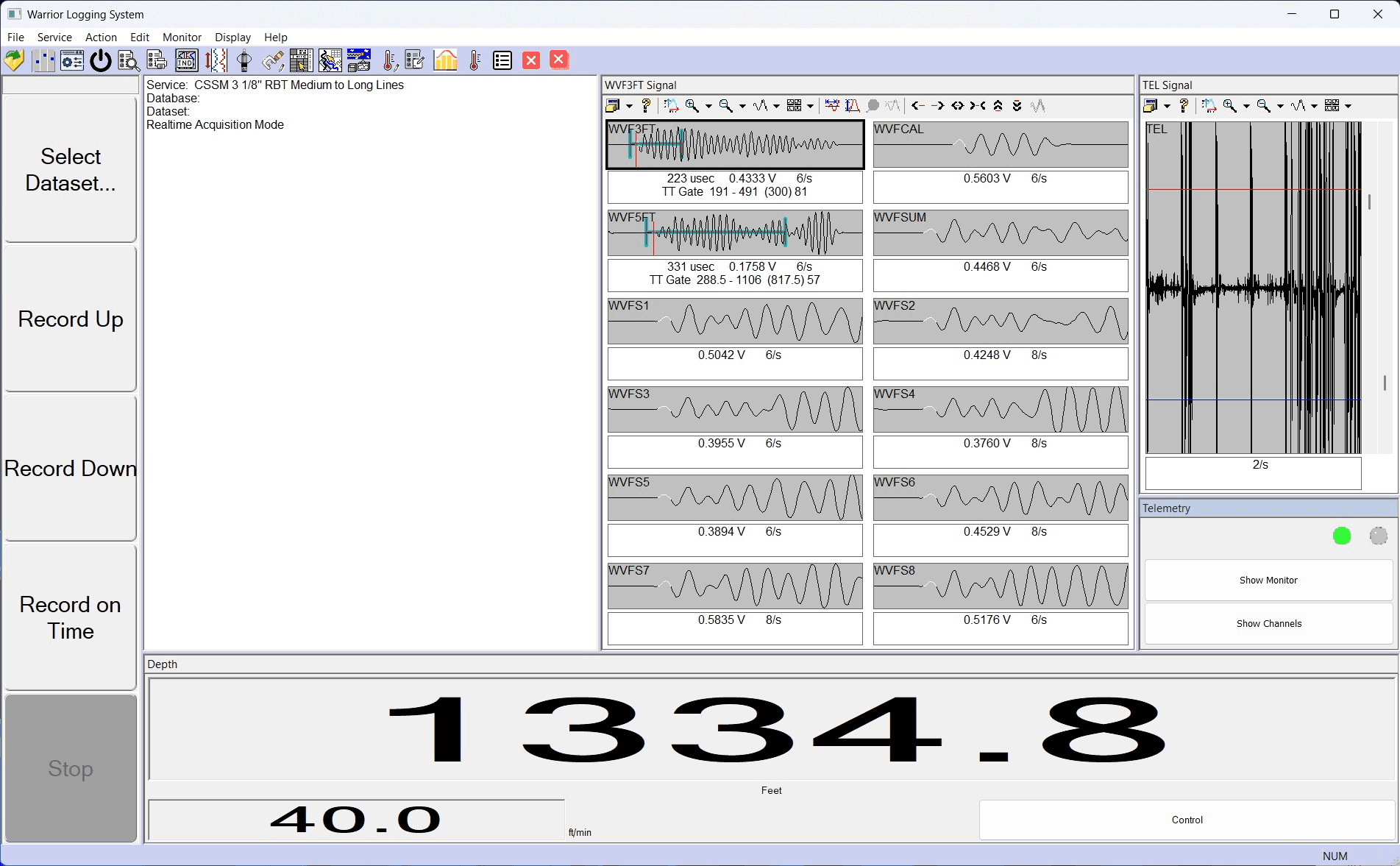
Warrior 8 P10V7 dockable user interface, the current acquisition view.
Warrior Data Acquisition Software
The professional's standard for wireline data acquisition. A unified 64-bit platform for real-time acquisition, visualization, and purpose-built interfaces, with native LAS, DLIS, and LIS output. Access, stream, and export your data on your terms.
Field-validated and universally compatible. Every SDS product is designed and assembled in Houston, with direct support from the engineers who built it.
Overview
Warrior software Release 8.0 is a third-generation 64 / 32-bit Unicode program. The Warrior software is a mature logging package that stresses ease of use, wide versatility, with a true multi-tasking environment. The software can be used on a single computer to acquire real time data from a borehole, to replay, recalculate and print logs from the raw data or imported data from other systems such as LAS or LIS data formats.
A new feature to Warrior 8 is the addition of Distributable Digital Media, the ability to generate a distributable digital media that would allow a User to supply their clients an interactive copy of log data to view without needing Warrior software installed on their computer.
Several programs (or tasks) may be running on one computer at the same time. Within the Warrior system, for example, several different log plots may be displayed independently on the screen and other logs may be directed to plotters. Headings may be prepared, and final log presentations set up, all while continuing to acquire data.
The Warrior Data Acquisition Software supports many existing industry standards from Cased hole, Open hole and Memory oil field logging tool manufacturers. New and startup tool manufacturers can be supported by additional development from Scientific Data Systems's programmers and engineers by adding new Device or Tool software Modules. The Warrior software runs on Windows Operating Systems (currently Windows 10 and Windows 11 32/64 bit).
Easy to Use GUI Software
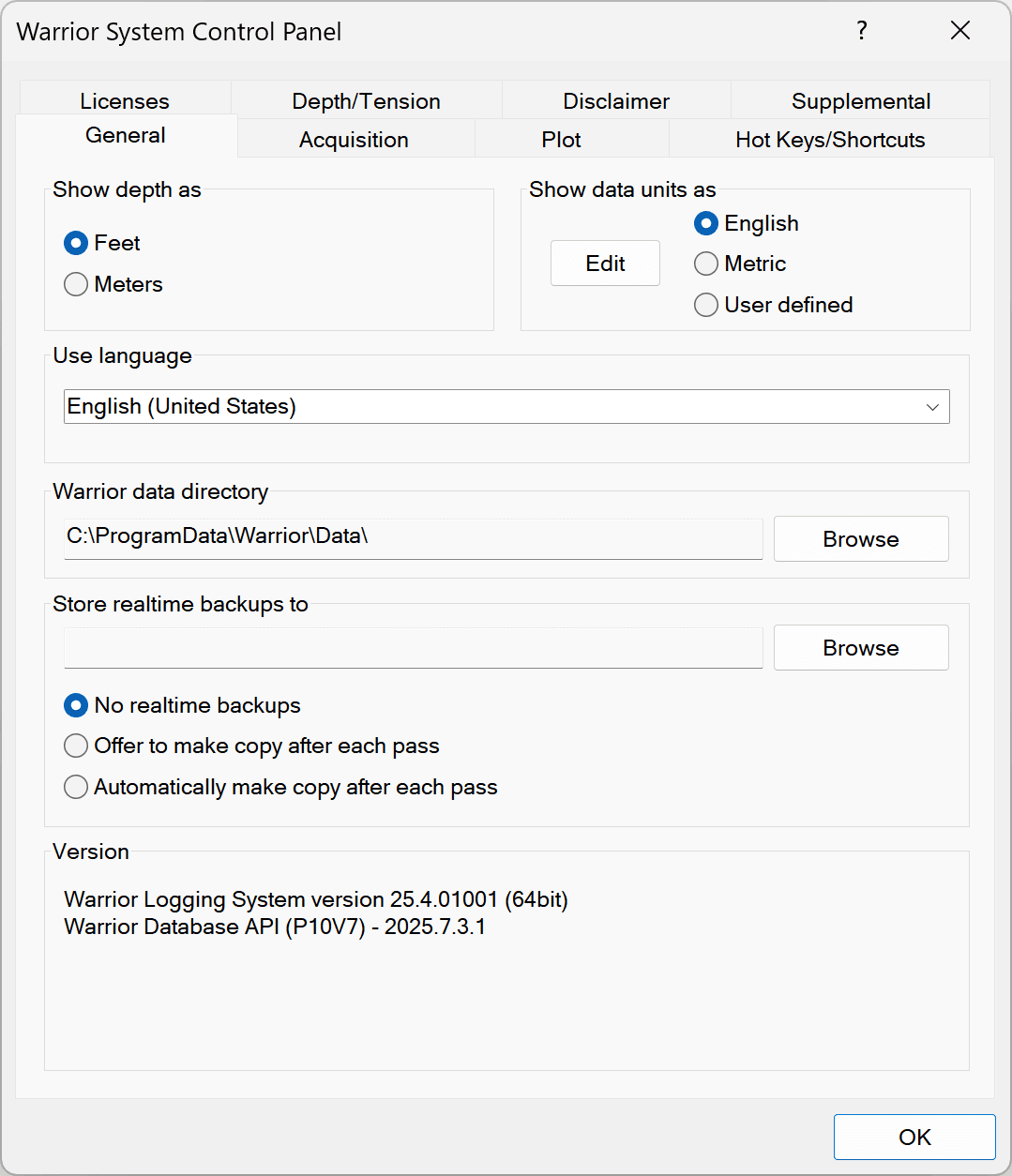
The Warrior 8 software is installed on Windows 11 computers. The Warrior App Launcher is a configurable shortcut to a variety of Warrior Applications that can be placed on the Windows Taskbar. From these main program group icons, the user can initialize additional functions of the Warrior software such as Database Utilities or Warrior System Control Panel.
An all new (optional) logging interface groups the full functionality of the acquisition system with user defined layouts, button shortcuts and controls. This helps organize the display with gauges, tool module displays and telemetry controls.
Services are predefined so that the operator simply selects the required services and is presented with a fully configured service set up with the last tool string and calibrations run. If other tools are to be run, the graphical tool string editor is used to select the required tool and load the appropriate parameters and calibrations. Data monitors include raw and calibrated data of all sensors, including depth and line speed.
Multiple log plot windows may be opened for comparison of, for example, main and repeat log sections. Log plots may be paused and scrolled to any depth and annotations added, while data acquisition continues. Depth correlation may be performed while logging, with the screen plot and system depth updated until correct depth is attained.
Distributable Digital Media
Warrior Software now includes the ability to generate a distributable digital media that would allow a User to supply their clients an interactive copy of log data to view without needing Warrior software installed on their computer. Multiple files may be included for different log runs. It also includes the option to add a PDF file to the distributable files in DVD, USB flash drives or attachable email files.
The media would allow the customer to view the log much as interactive plot is viewed by scrolling up and down the log. It does not provide capabilities to alter the log presentation such as changing scales or adding or removing curves. It does have the ability to change the vertical scaling. If the plot was created with a 3D presentation attached, as often happens in multi-finger caliper presentation, the 3D imaging will also be included in the distributed files.
Acquisition
Acquisition is the main logging or data acquisition subset of the Warrior system. It acquires data from the hardware I/O devices, stores the raw data in the Warrior database and provides all the normal well logging functionality. When necessary, it also automatically starts other Warrior programs to perform additional functions in an integrated manner.
Recalculation
The recalculation mode allows log data to be recalculated or relogged from raw data. Calibrations and other acquisition parameters, such as filters and depth offsets, may be changed. The data monitors used during actual logging are available to the operator during recalculation.
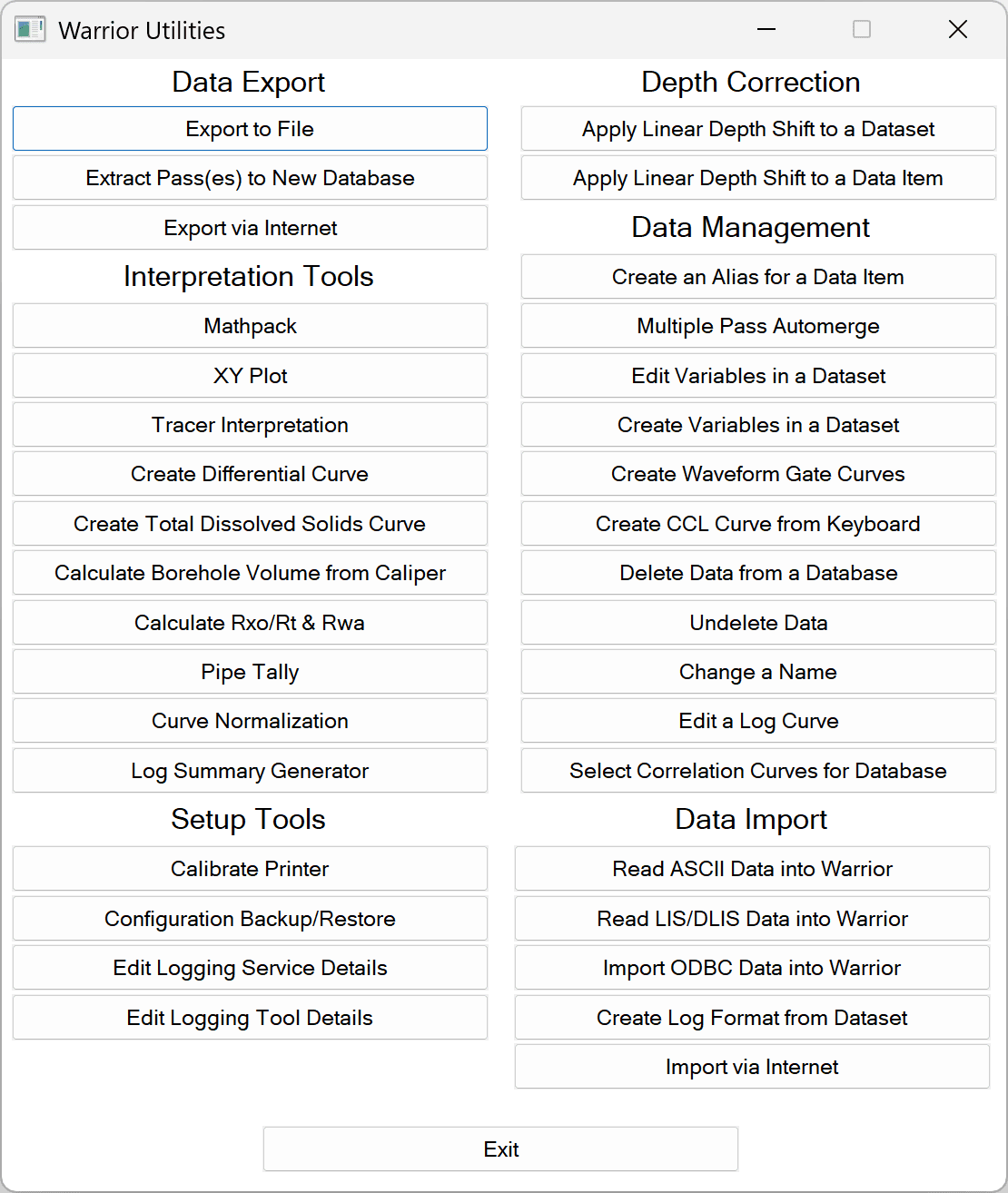
Database Utilities
- Data Export: LIS / LAS / ODBC / CSV compatible files. Extract Passes to new Database. Export Database via Internet.
- Interpretation Tools: XY Plot, Tracer Interpretation, Pipe Tally, Calculate Rxo / Rt / Rwa, Borehole Volume from caliper.
- Setup Tools: Calibrate Printers / Plotters, Configuration Backup / Restore, Edit Logging Services, Tools details.
- Depth Correction: Apply Linear Depth Shift to a Dataset / Data Item.
- Data Management: Delete Data from a Database, Undelete Data, Change name in Data items, Create Variables in a Dataset, Edit Log Curves.
- Data Import: Read ASCII / LIS / ODBC Data into Warrior databases. Create Log Format from Dataset. Import Warrior Database via Internet.
Additional Modules
- Heading Editor: log heading information added to a blank heading of pre-existing format. Several different versions of default headings can be produced.
- Format Editor: creation and editing of log presentation or format files. Output files (.prs) control all aspects of plotting acquired data.
- Interactive Plot: viewing and optional plotting of acquired data either recorded as depth or time. Data continues to be acquired and recorded until the Action → Stop command is invoked.
- Plot Job Editor: assemble the various components (heading, log sections, etc.) of a well log into its final presentation. The resultant plot job information is saved in a well log database.
- Merge / Splice, TVD: manipulate data from one or more database files in the depth domain and output to one or more destination files. Includes capability to calculate True Vertical Depth (TVD) from directional survey data.
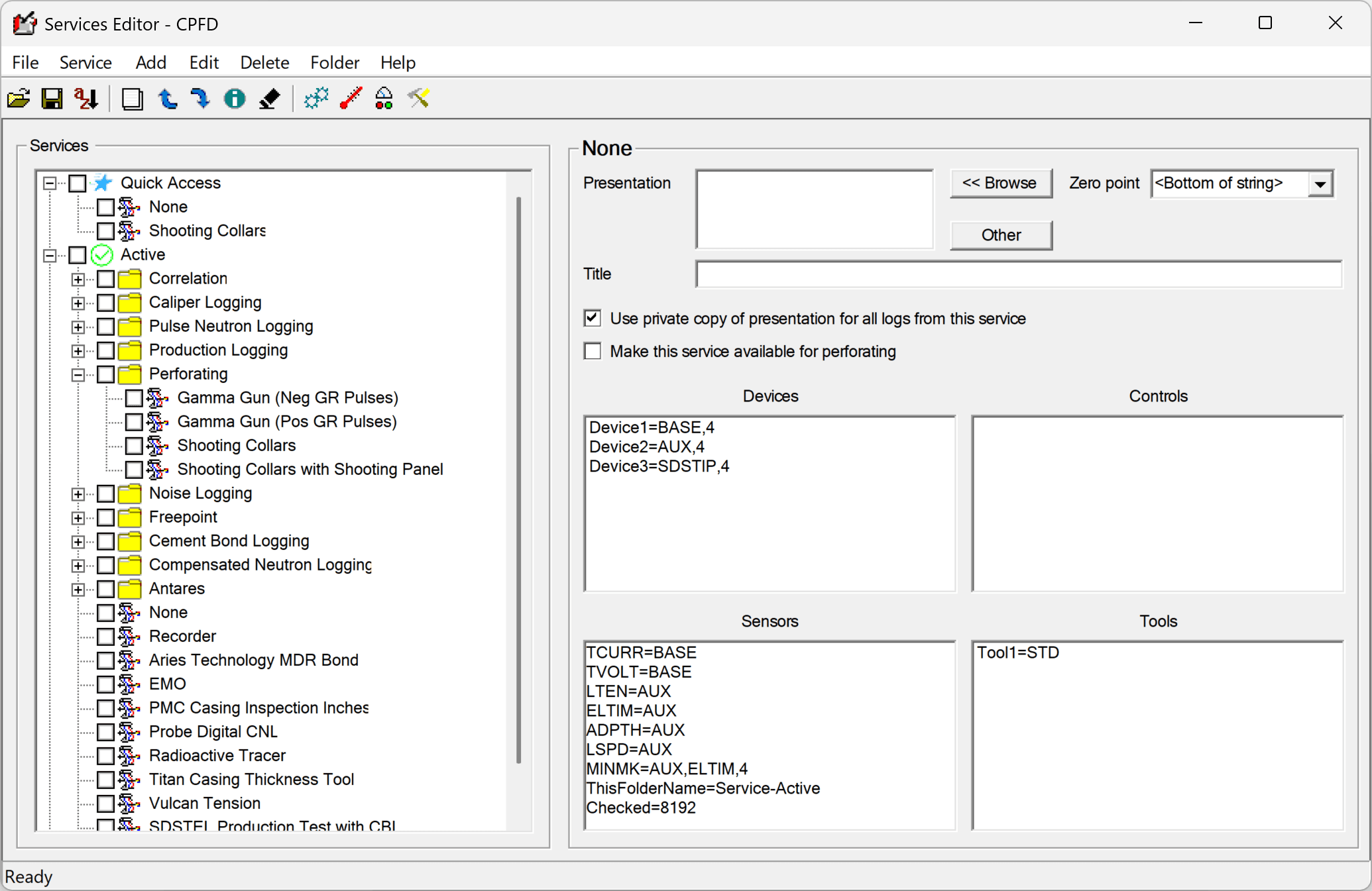
- Service Editor: modify current services, create new services, and import / export services from similar Warrior systems.
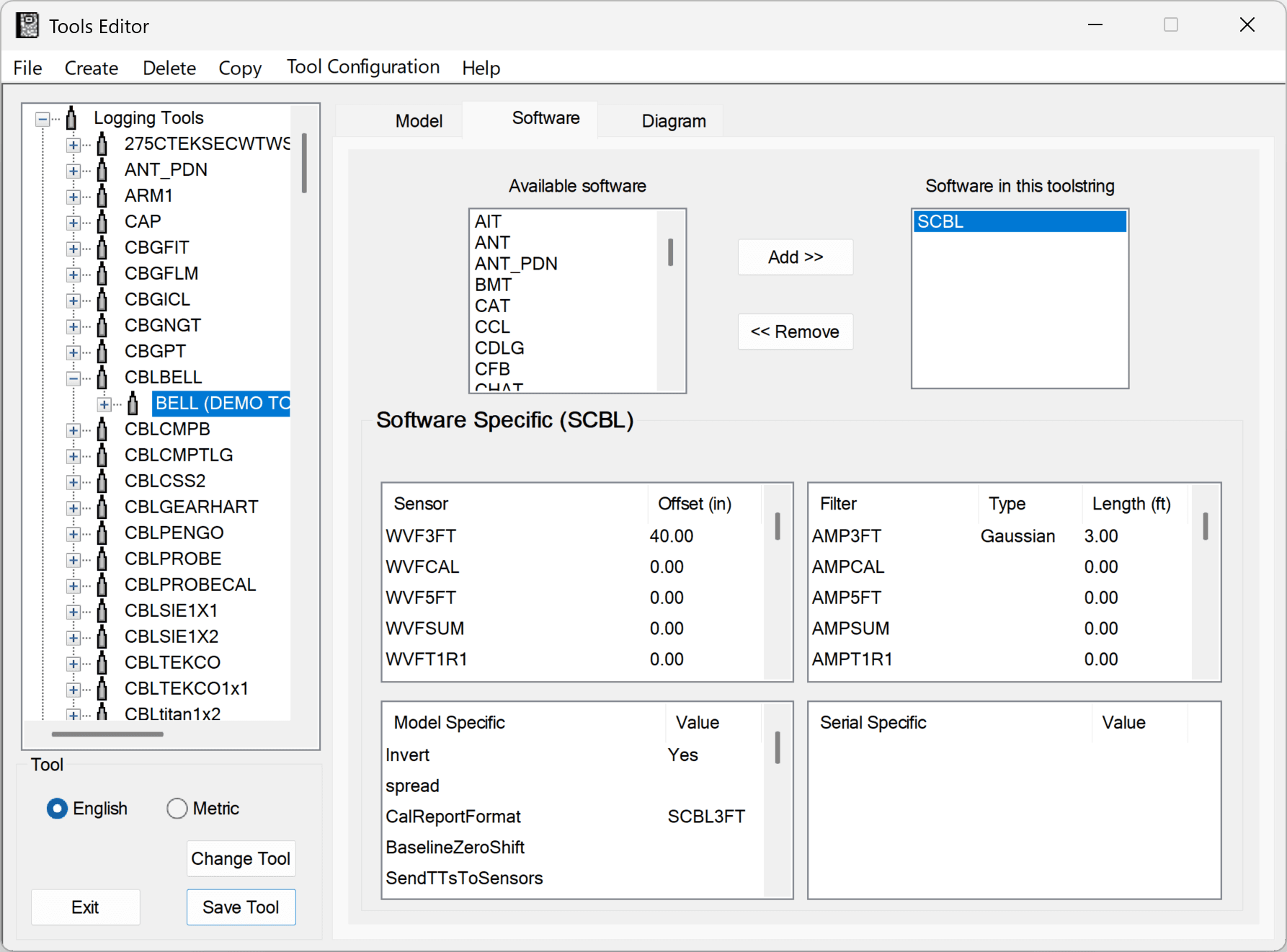
- Tools Editor: pertinent information for each model of tool can be easily changed, new serial numbers created, and new models created.
- Math Pack: output is created by a formula applied to one or more values from existing databases.
- Job Planner: design and assembly of perforating strings and help the user execute perforating and TCP jobs.
Gallery
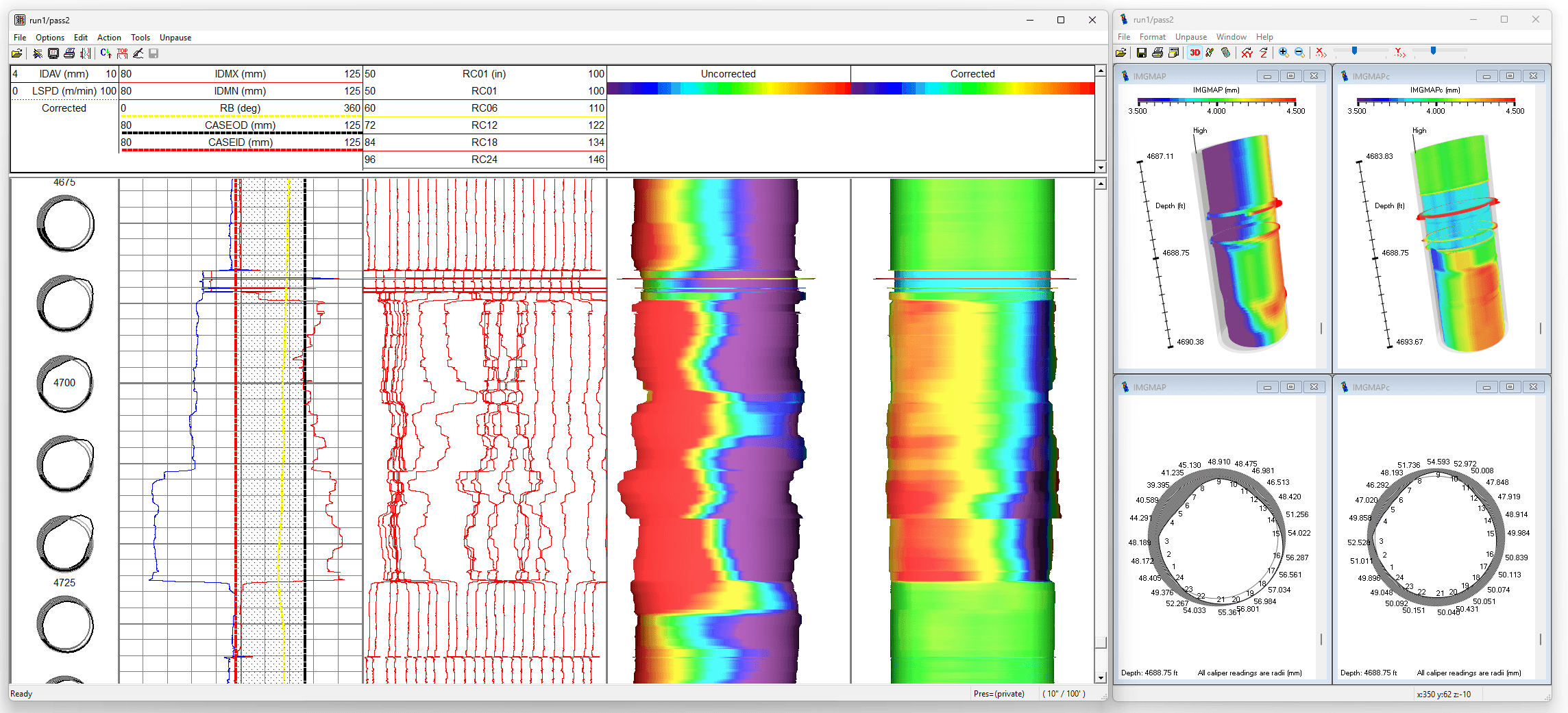
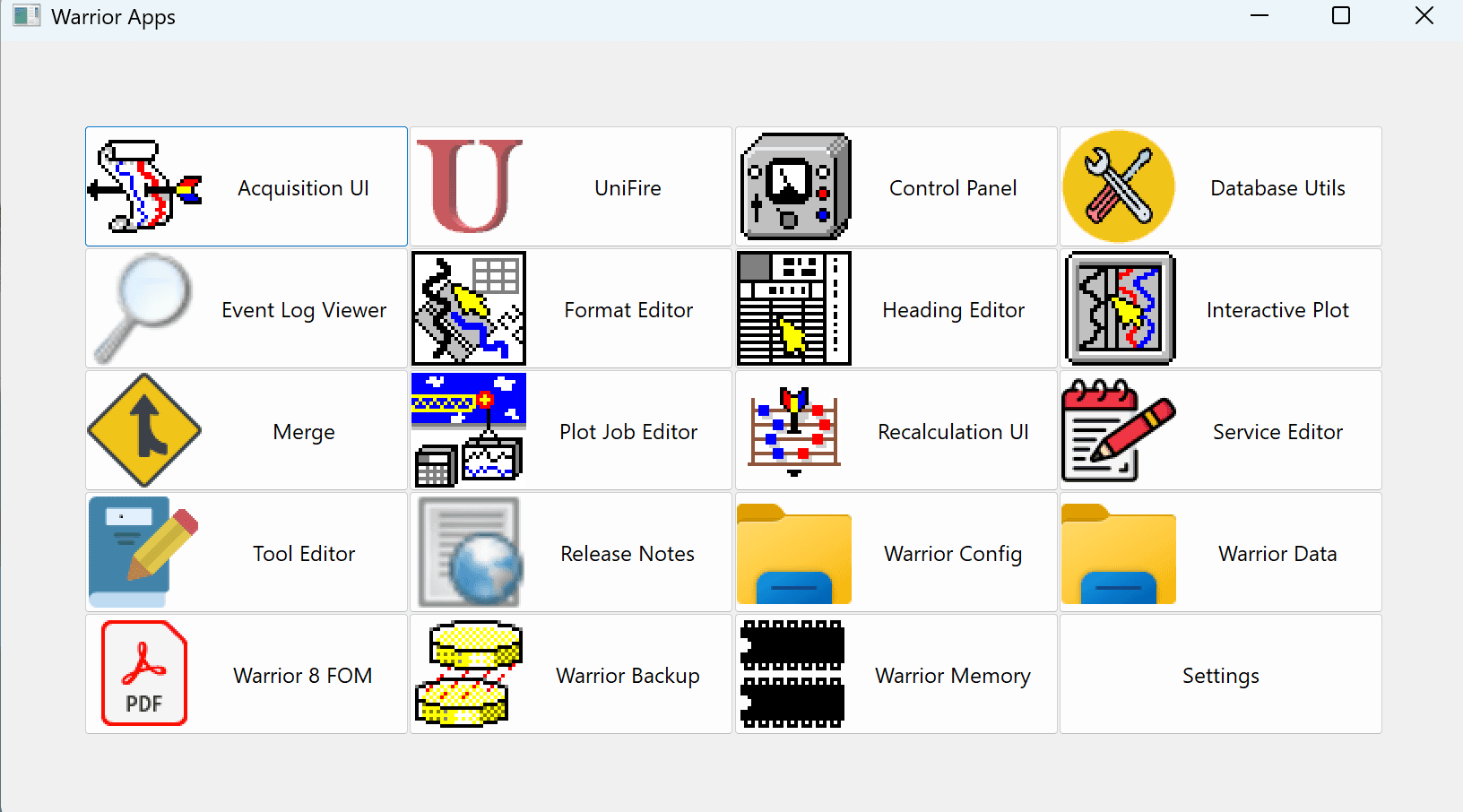
Warrior 8 P10V7: new dockable user interface
1 / 7Ready to talk specs?
Get configuration and pricing direct from SDS engineering, with no gatekeeping.